

Chrome Extension
How to Install the
MarketCheck Chrome Extension
Follow this step-by-step guide and start viewing live vehicle insights in minutes.
Go to the Chrome Web Store
Open Google Chrome and make sure you're signed into the correct Google account.
Visit the MarketCheck Chrome Extension page and click “Add to Chrome”.
Open the Web Store listing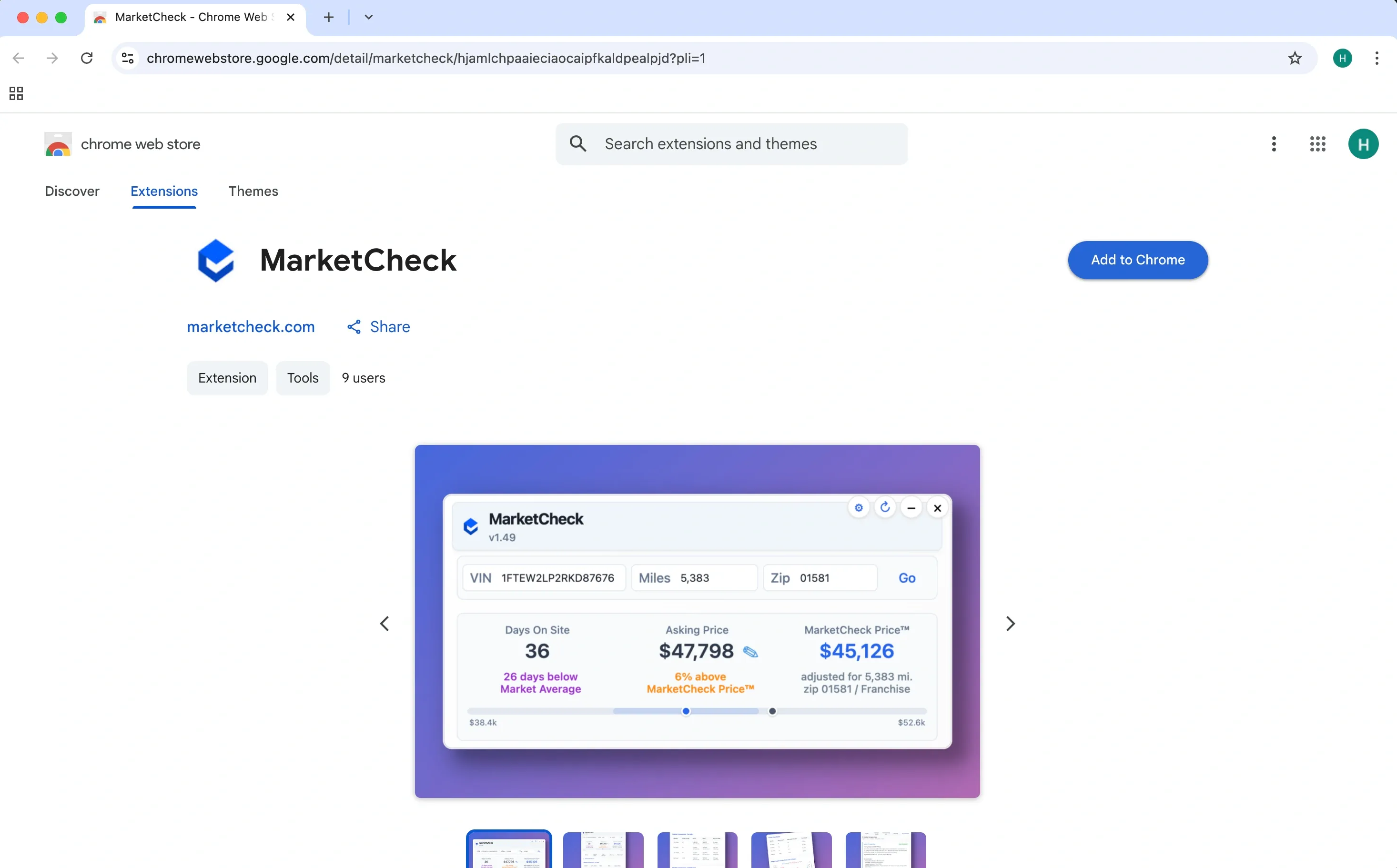
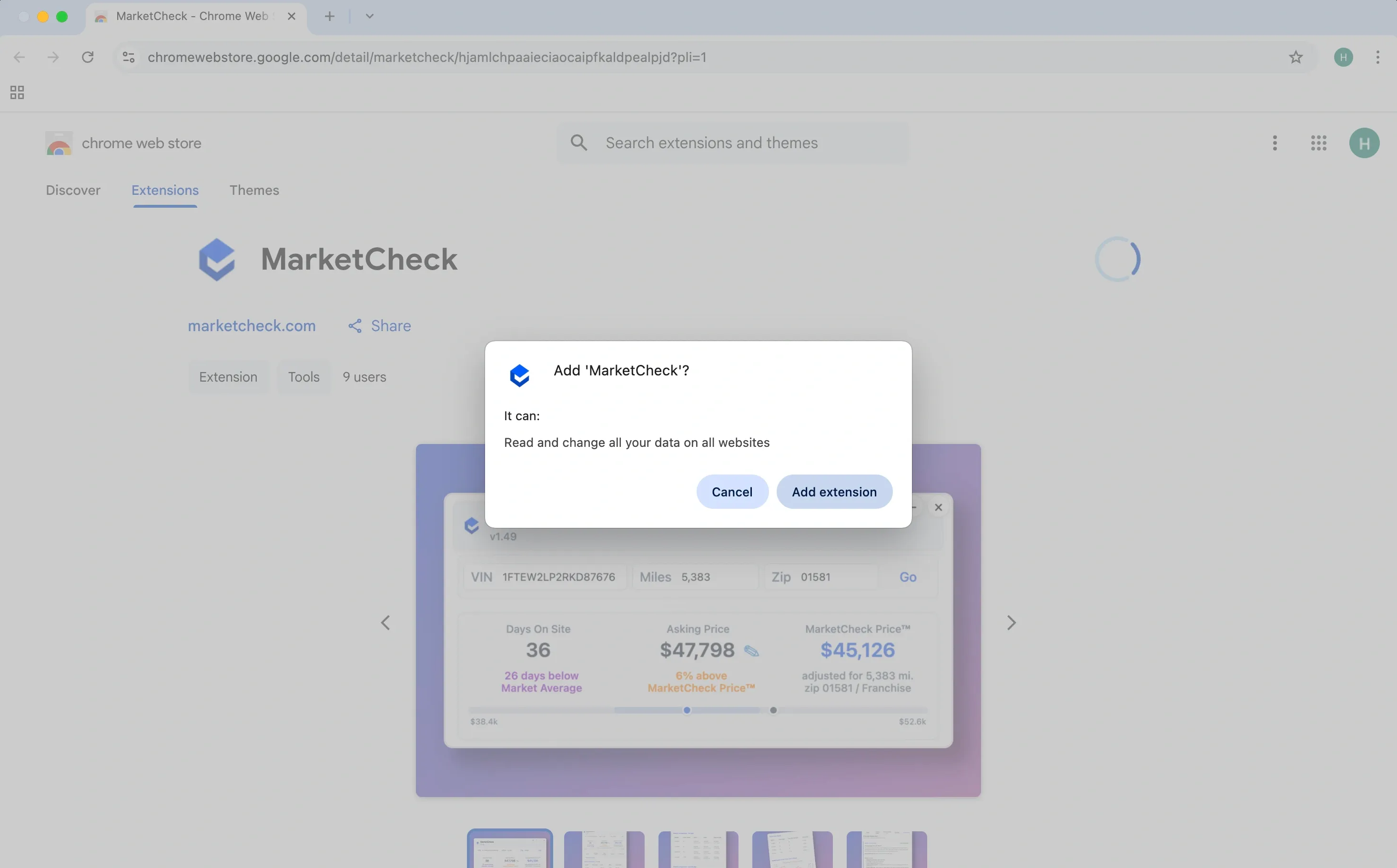
Confirm Installation
A pop-up will appear. Click “Add extension” to confirm and begin the installation.
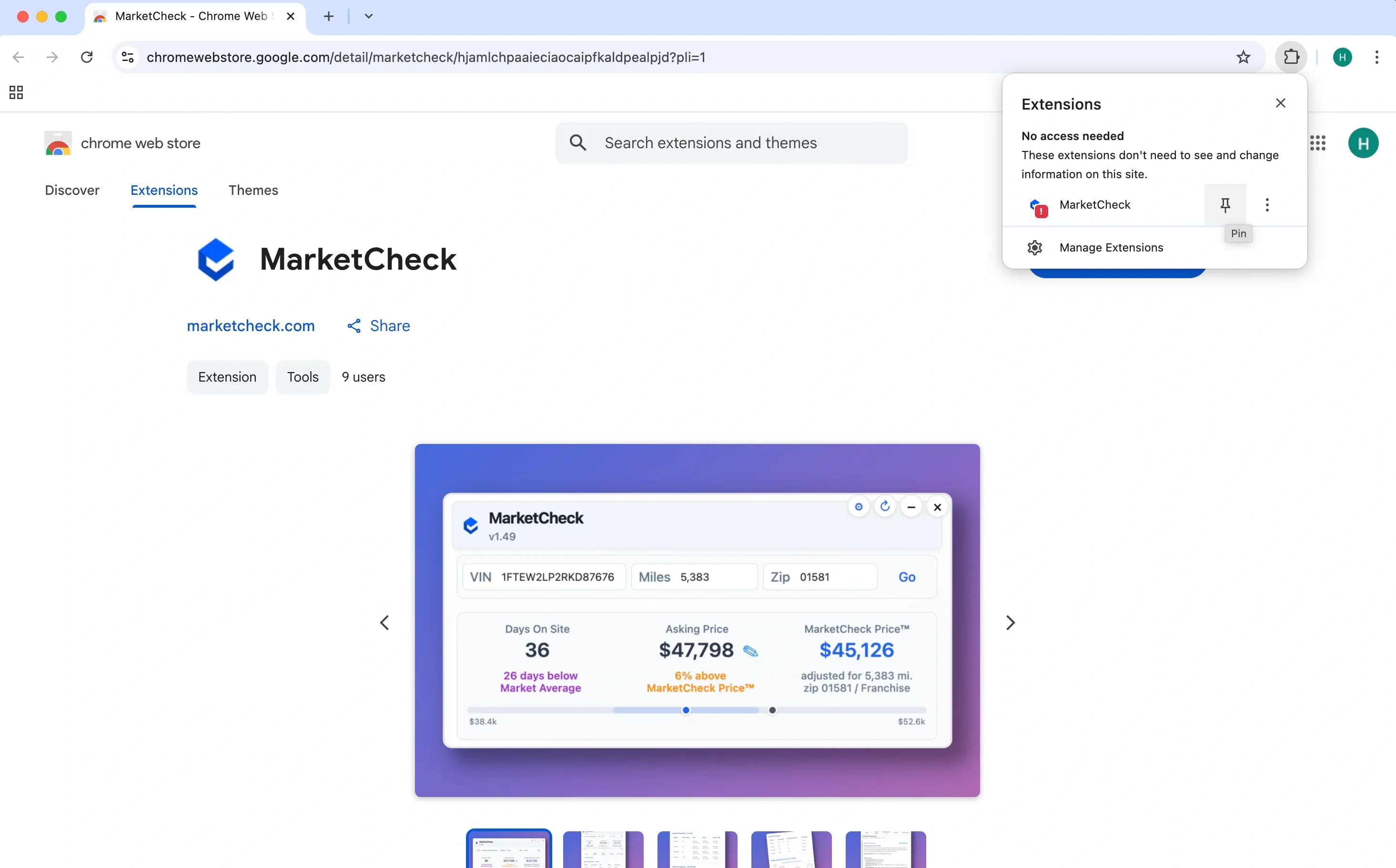
Pin the Extension to Your Toolbar
Once installed, click the puzzle icon (Extensions tab) at the top right of your browser.
Find MarketCheck in the list and click the pin icon to keep it visible on your toolbar.
Sign In
Open marketcheck.com and click the MarketCheck icon on your toolbar.
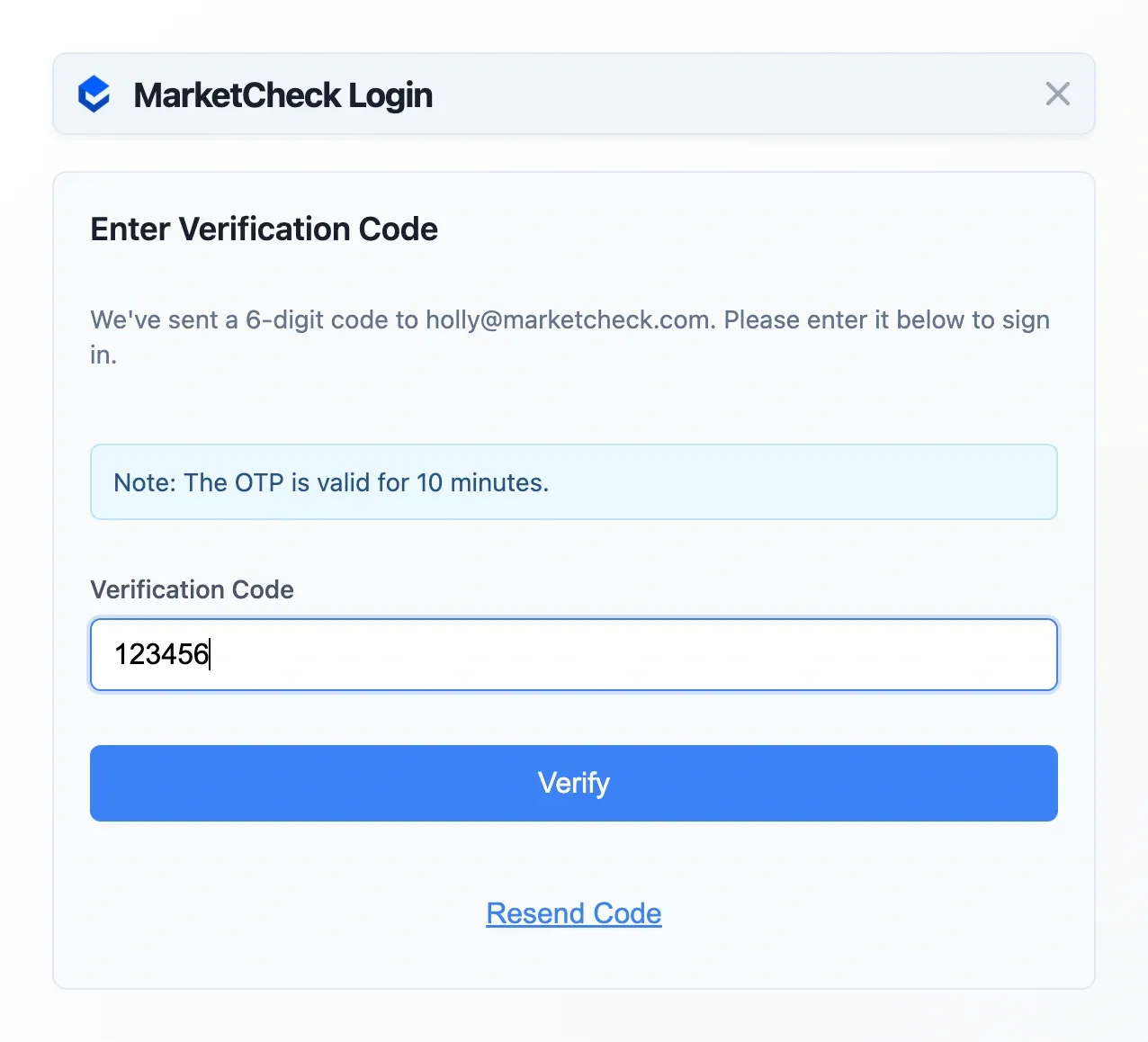
Sign in with any email address; a 6-digit code arrives by email. Entering it signs you in and starts your free 7-day trial of full Pro: no card on file, and nothing can be charged.

Enter Your Verification Code
Check your inbox for a 6-digit verification code.
Enter the code in the prompt and click “Verify”.
You're All Set
The MarketCheck Chrome Extension is now ready to use.
Visit a vehicle listings website to start exploring live vehicle insights.
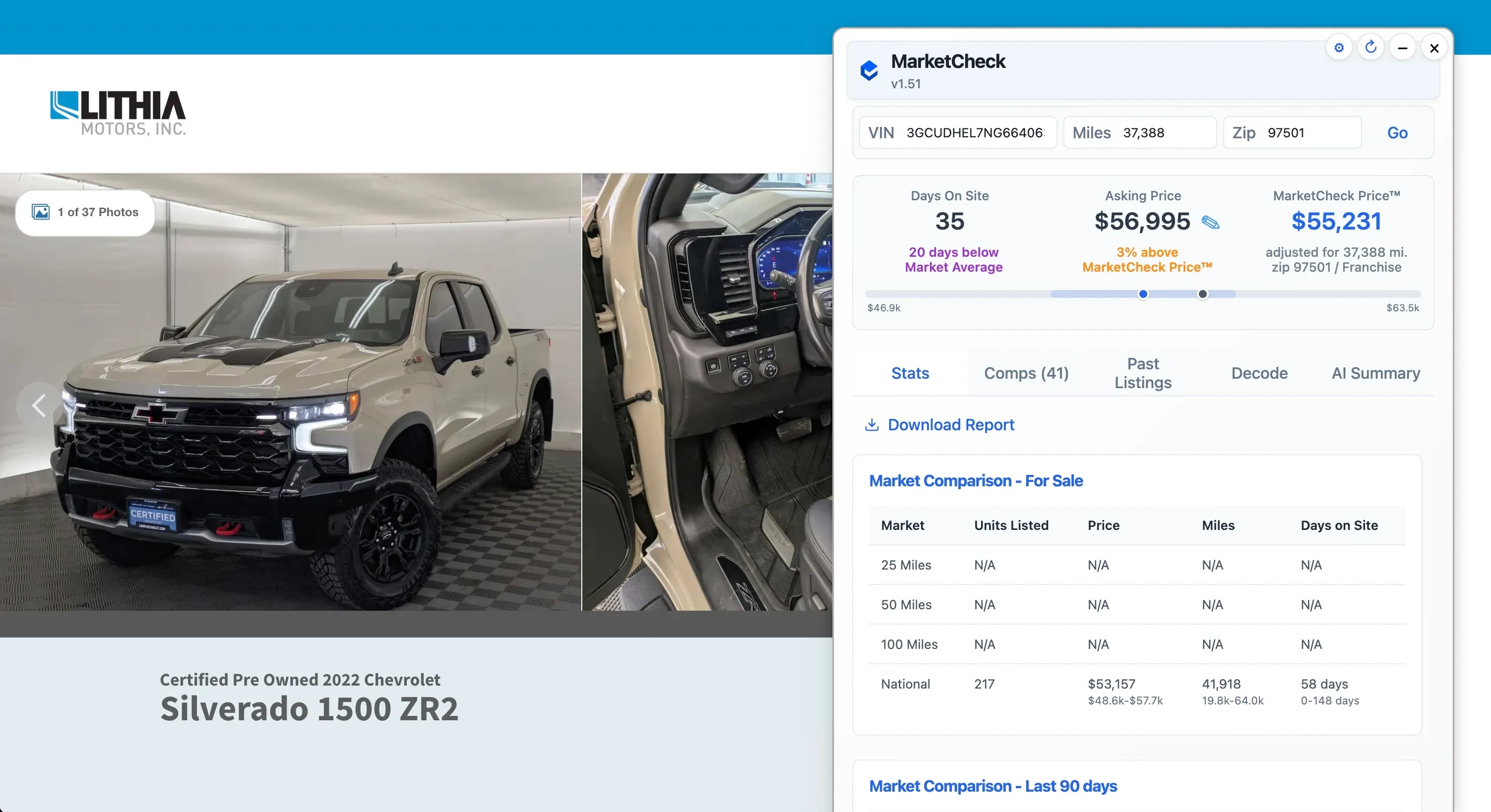
Keep Pro After the Trial
Your trial covers full Pro for 7 days with no card on file. To keep Pro at $99/mo, open the extension's Account panel and choose Manage Subscription.
Billing is handled by Stripe: add your payment method there. Cancel any time in the same place; if you never add a card, the trial simply ends and nothing is billed.
What Happens Next
Your Free Week of Pro Starts at Sign-In
- Add to
Chrome - Sign in,
trial starts - Full Pro,
7 days
Two stops: the Chrome Web Store, then sign-in inside the extension.
- Sign in with any email. It starts your 7-day full-Pro trial automatically: no card, and nothing can be billed.
- Keep Pro after the trial for $99/mo, purchased inside the extension under Account > Manage Subscription. Skip it and the trial simply ends.
At the finish Live valuations and comps on every listing you browse.
Continue to the Chrome Web Storechromewebstore.google.comQuestions first? Book a Call →